QUICK CLEAN
FAST & SAFE
Instant cleanup of common temporary files, cache folders, and junk data. Frees up space quickly without touching essential system files.
Smart & effortless disk cleanup.
Remove temporary files, free up storage, and boost system performance with a single click.
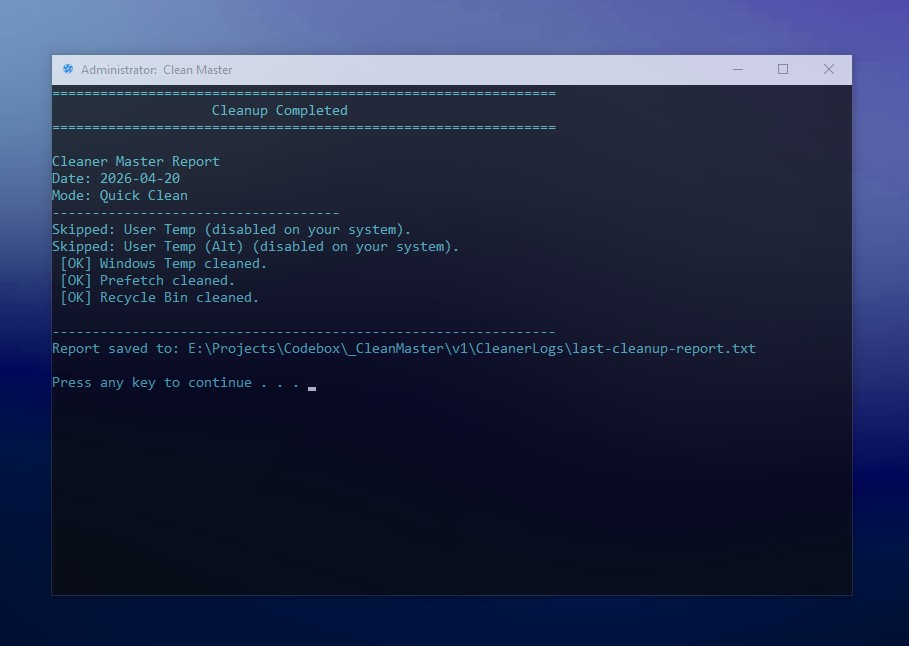
Instant cleanup of common temporary files, cache folders, and junk data. Frees up space quickly without touching essential system files.
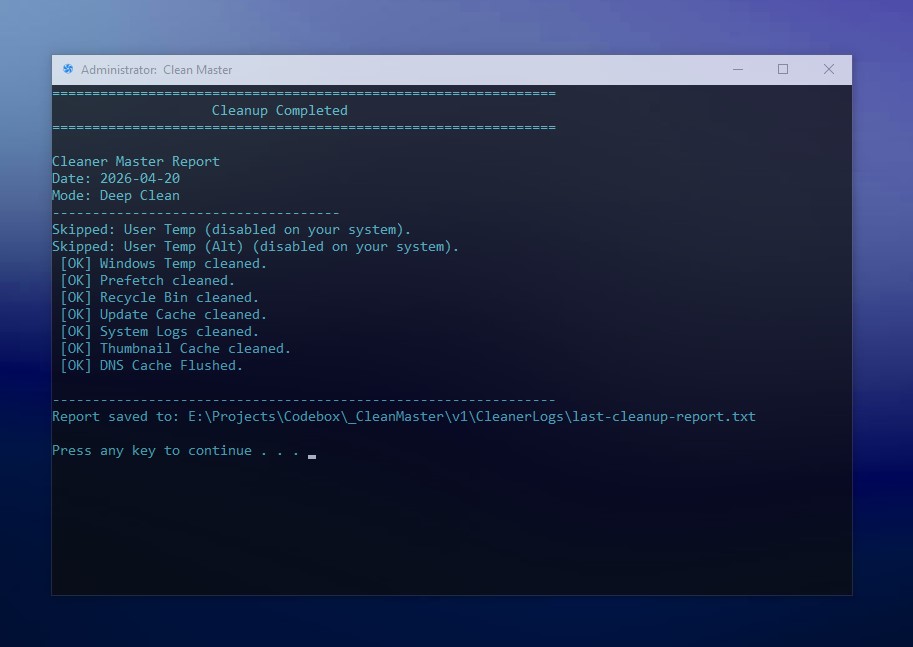
Perform a complete cleanup of Windows logs, leftover update files, temporary system folders, crash dumps, and more. Ideal for freeing large amounts of storage.
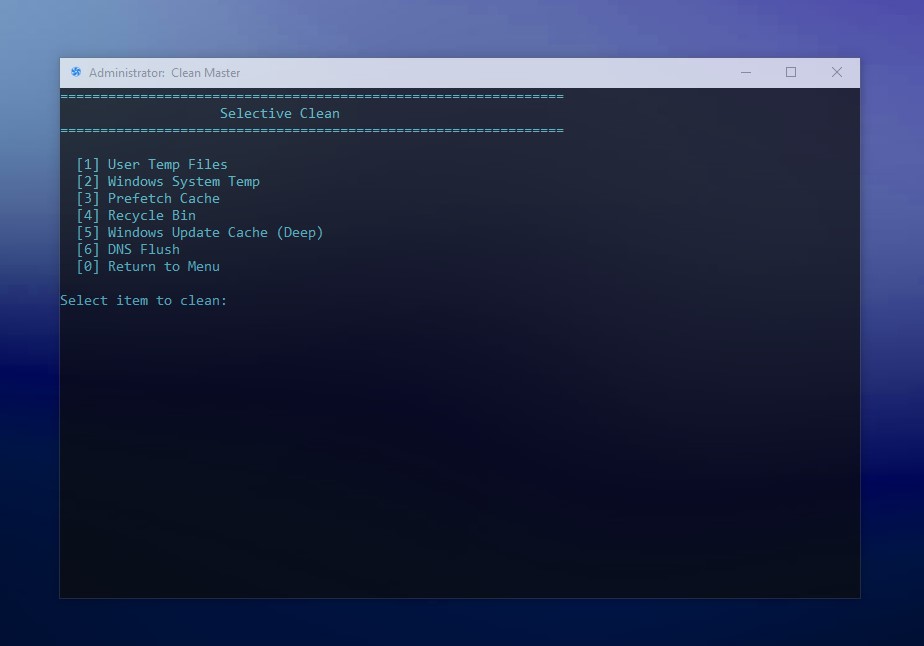
Manually pick the items you want to delete. Gives you total control—clean only what you want, and keep what matters.
Optimized for modern Windows systems with a portable, fast, and clean design.
Fully compatible with Windows 10 (64‑bit) and Windows 11.
May also run on Windows 8 / 8.1 (not officially tested).
Designed to run with minimal resource usage. Perfect for both modern systems and older machines.
No installation required. Run Clean Master anytime you need to free disk space instantly.
Removes caches, temp files, logs, leftover data, and unnecessary system remnants.
Cleans only non‑critical files and avoids deleting essential system components.
A clean, easy-to-understand interface makes system cleanup effortless for any user.

Clean Master was created to provide a fast and simple way to remove unnecessary files that build up over time.
The goal was to develop a lightweight and practical tool that improves system performance without complicated steps or heavy software.
Built by Milad Abooali
Choose the right version for your system.
The 64‑bit build is recommended for most users.
Version 1.0 • Lightweight • No installation required
Compatible with Windows 10 & 11
Found a bug or have an idea to improve Clean Master?
Let me know on GitHub and help make it better.